SK Brand House

Logo vectorization & vector conversion

Vectorize your logo. Redrawn by hand, ready for print.

AI logos, low-resolution images and old scans fall apart at the print shop. I redraw them by hand in Adobe Illustrator so they stay sharp at any size.

AIEPSSVGPrint PDFPNGJPG

What I fix

Logo vectorization for blurry, broken or non-vector files

AI-generated logos

Midjourney, ChatGPT or Canva AI images rebuilt as real vectors.

Low-resolution logos

Blurry PNGs and JPGs redrawn crisp and clean.

Old scans & photos

Faxes, signs and stickers turned back into editable art.

Broken paths

Stray anchor points, gaps and overlaps cleaned up.

Patch & embroidery art

Simplified artwork for PVC patches, embroidery and vinyl.

Print-ready setup

CMYK, bleed, outlined fonts and Pantone references.

Before & after

Real vector conversion work, redrawn by hand

Drag the handle to compare.

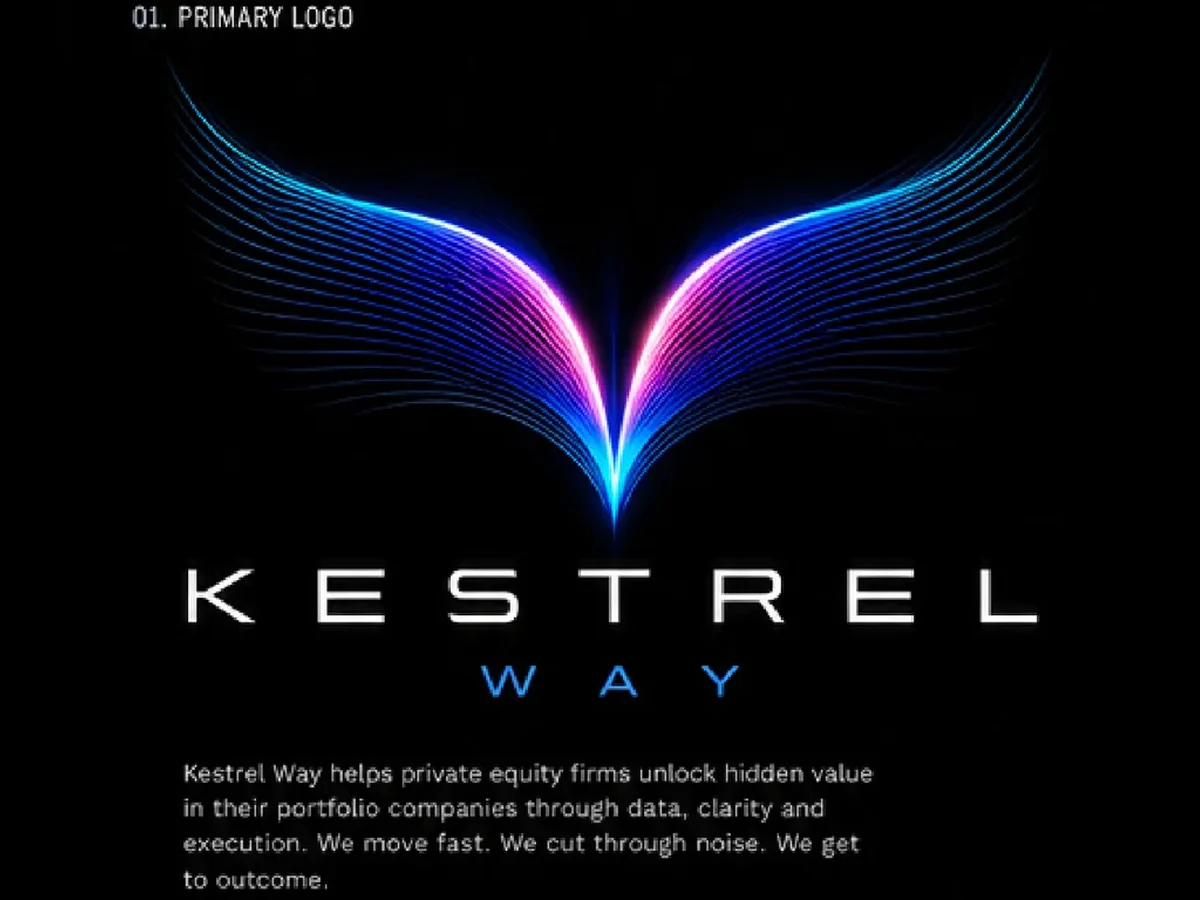
Kestrel Way logo after: clean vectorKestrel Way logo before: glowing ai image to clean vector
BeforeAfter
Glowing AI image to clean vectorKestrel Way
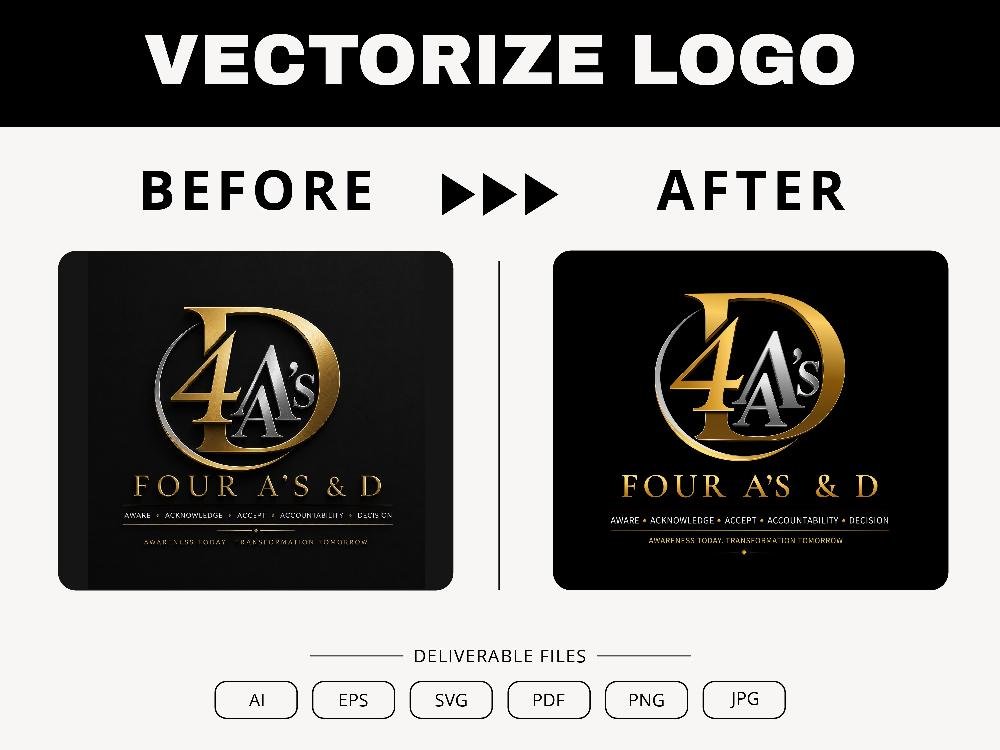
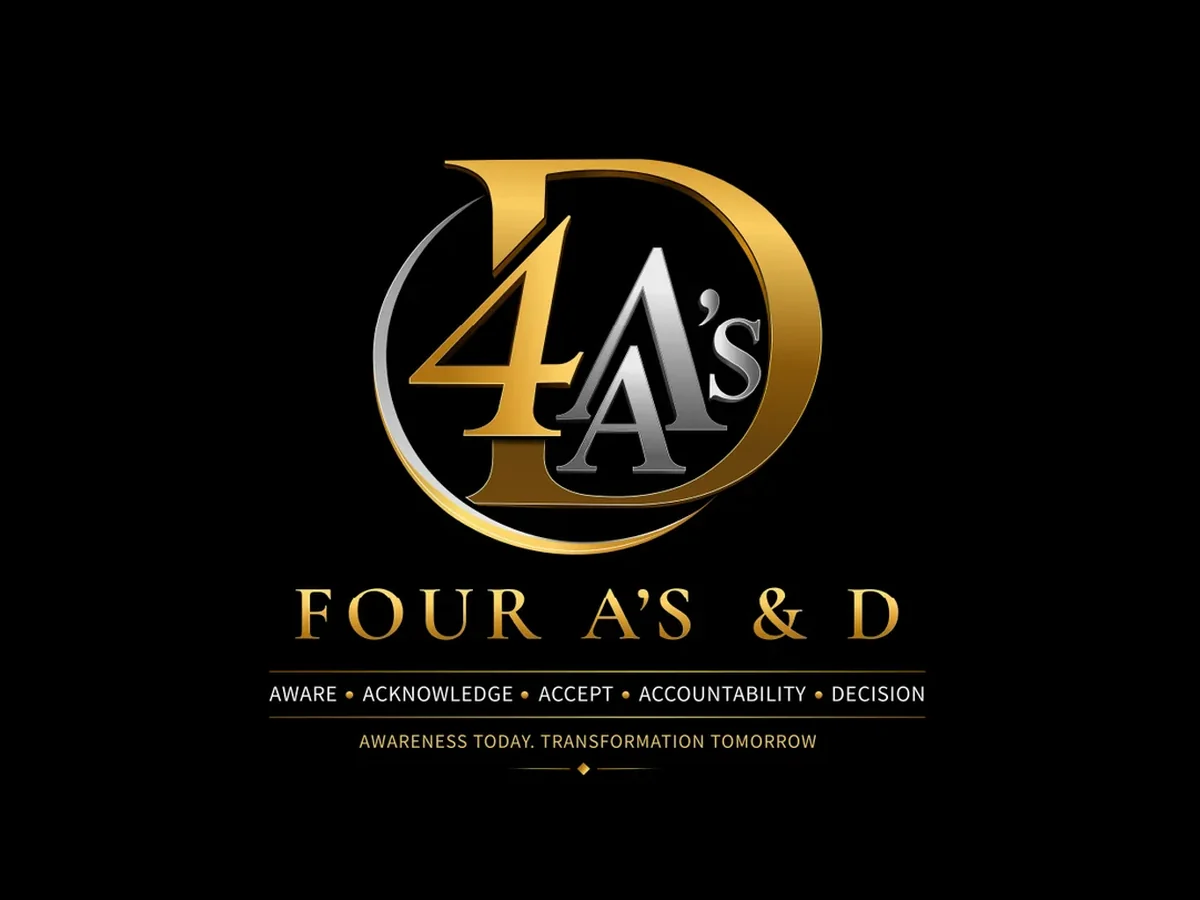
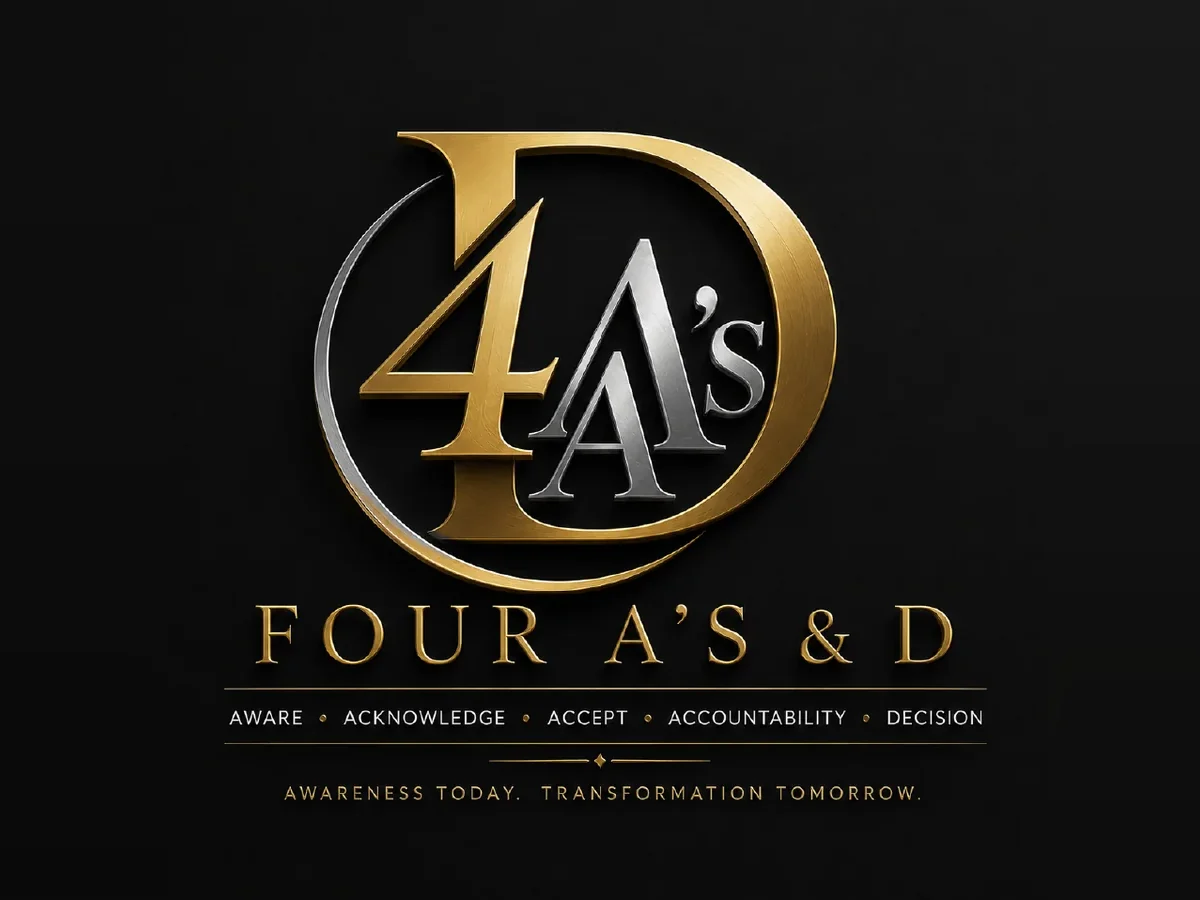
Four A’s & D logo after: clean vectorFour A’s & D logo before: 3d render to flat vector
BeforeAfter
3D render to flat vectorFour A’s & D
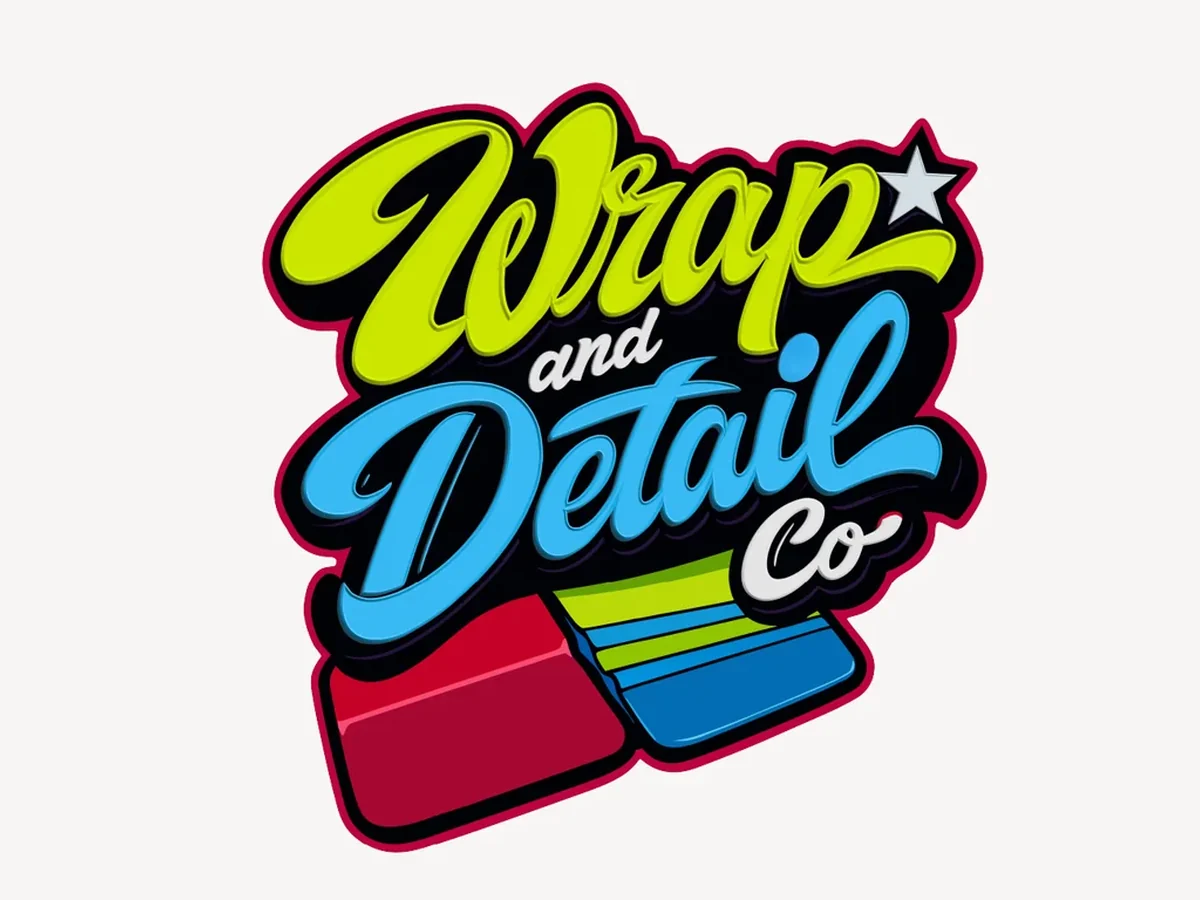
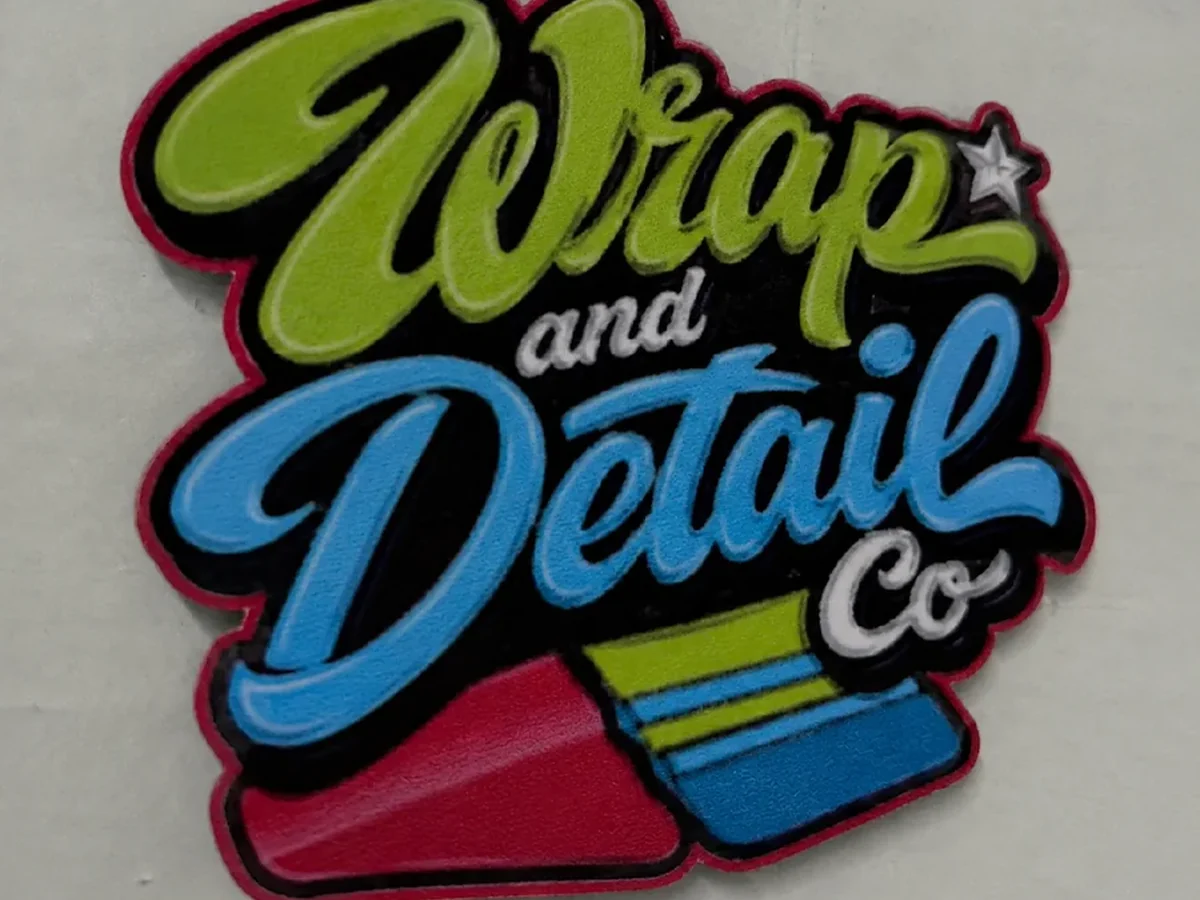
Wrap and Detail Co logo after: clean vectorWrap and Detail Co logo before: photo of a sticker to vector
BeforeAfter
Photo of a sticker to vectorWrap and Detail Co
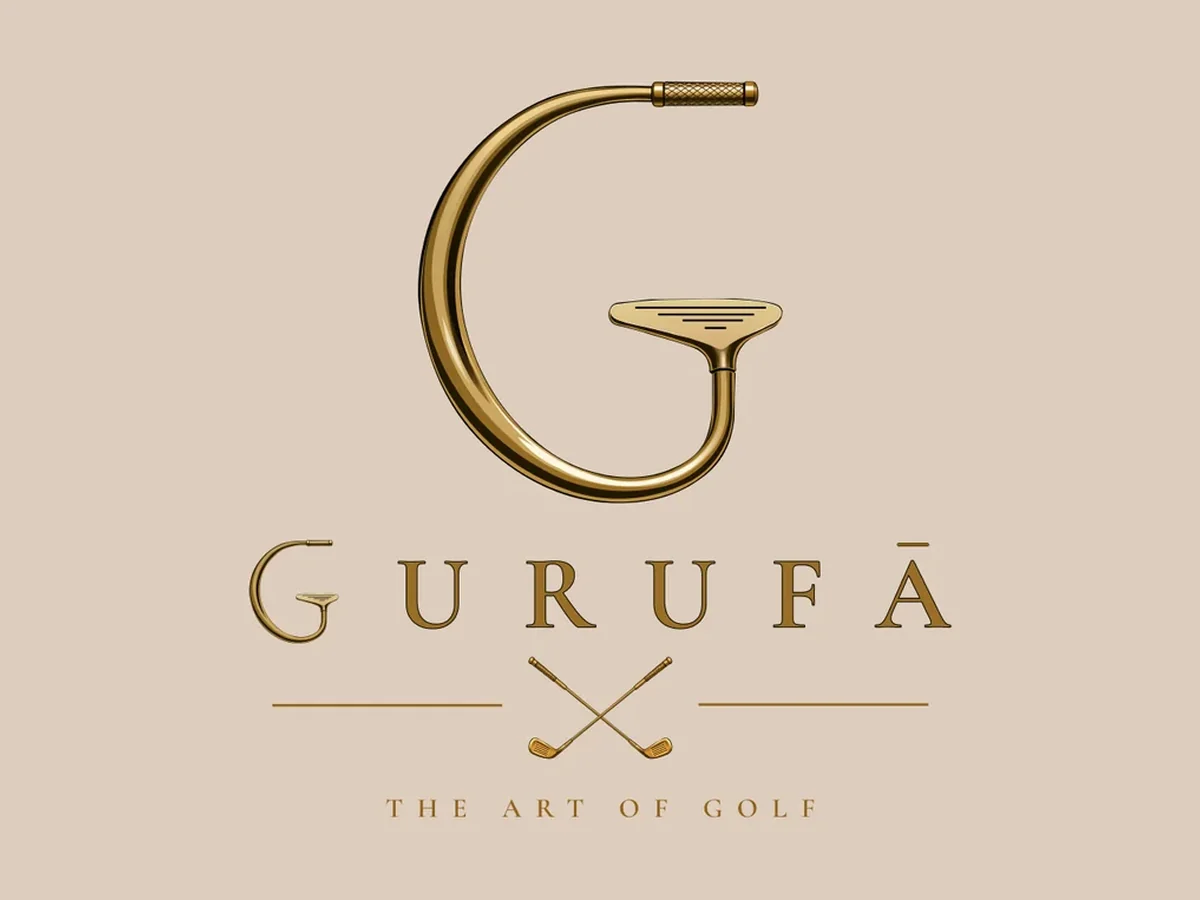
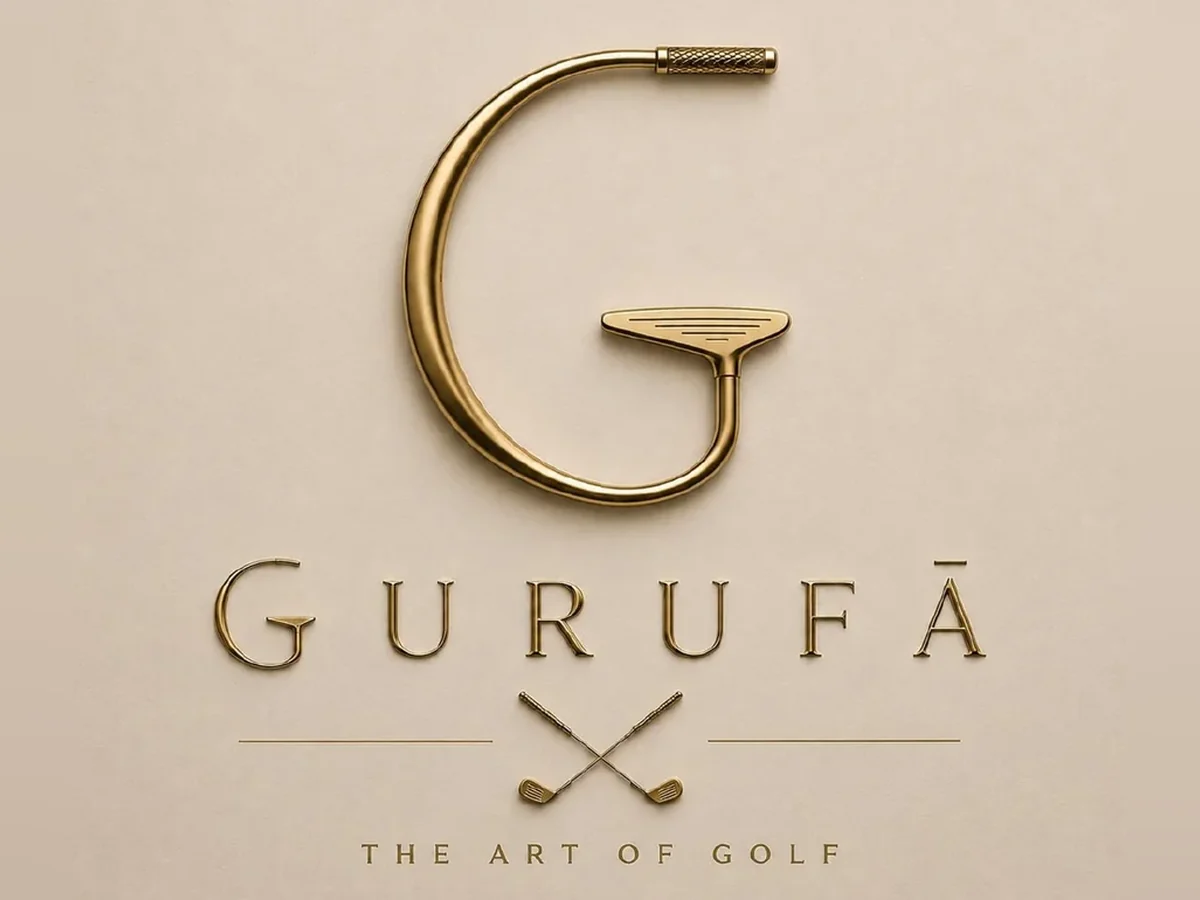
Gurufa logo after: clean vectorGurufa logo before: embossed mockup to flat vector
BeforeAfter
Embossed mockup to flat vectorGurufa
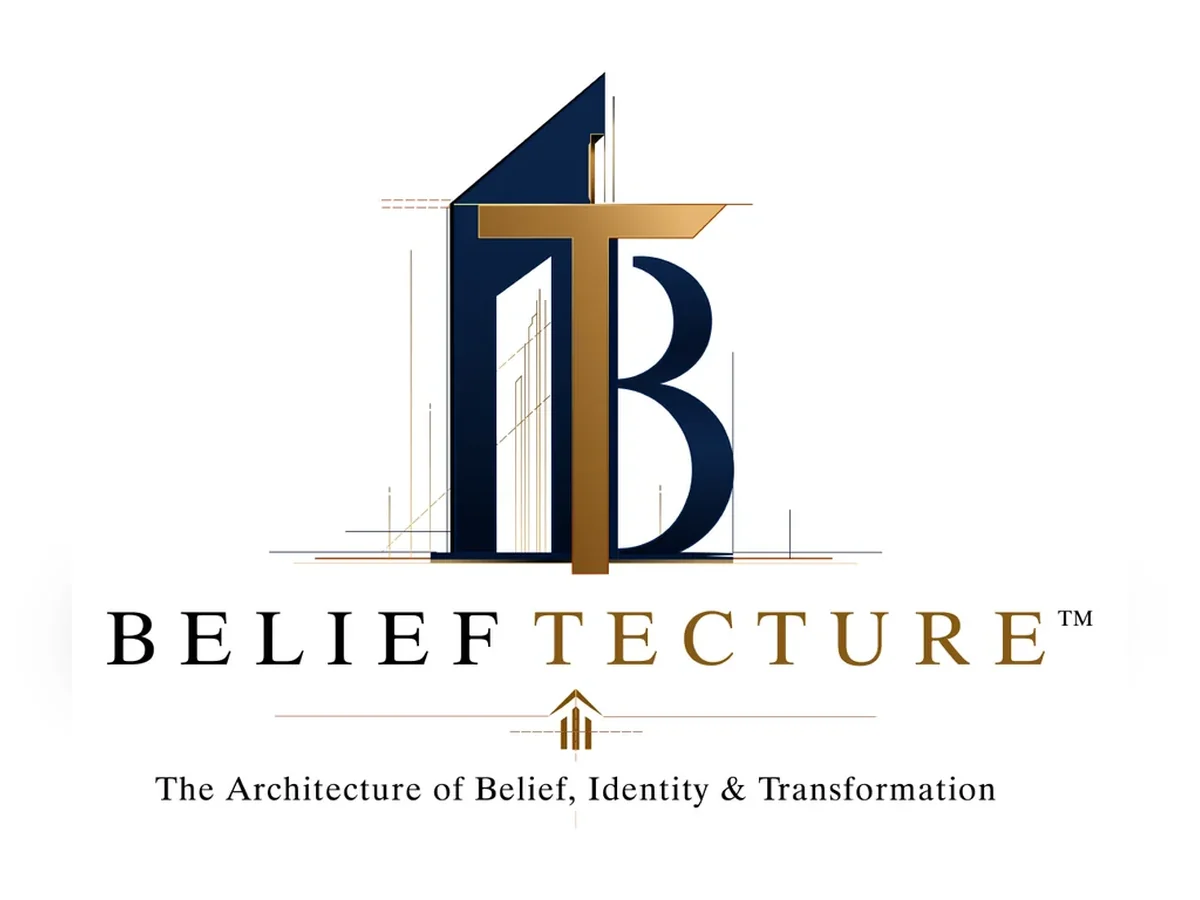
Belieftecture logo after: clean vectorBelieftecture logo before: low-res png to vector
BeforeAfter
Low-res PNG to vectorBelieftecture
DL Developing logo after: clean vectorDL Developing logo before: blurry badge to clean vector
BeforeAfter
Blurry badge to clean vectorDL Developing
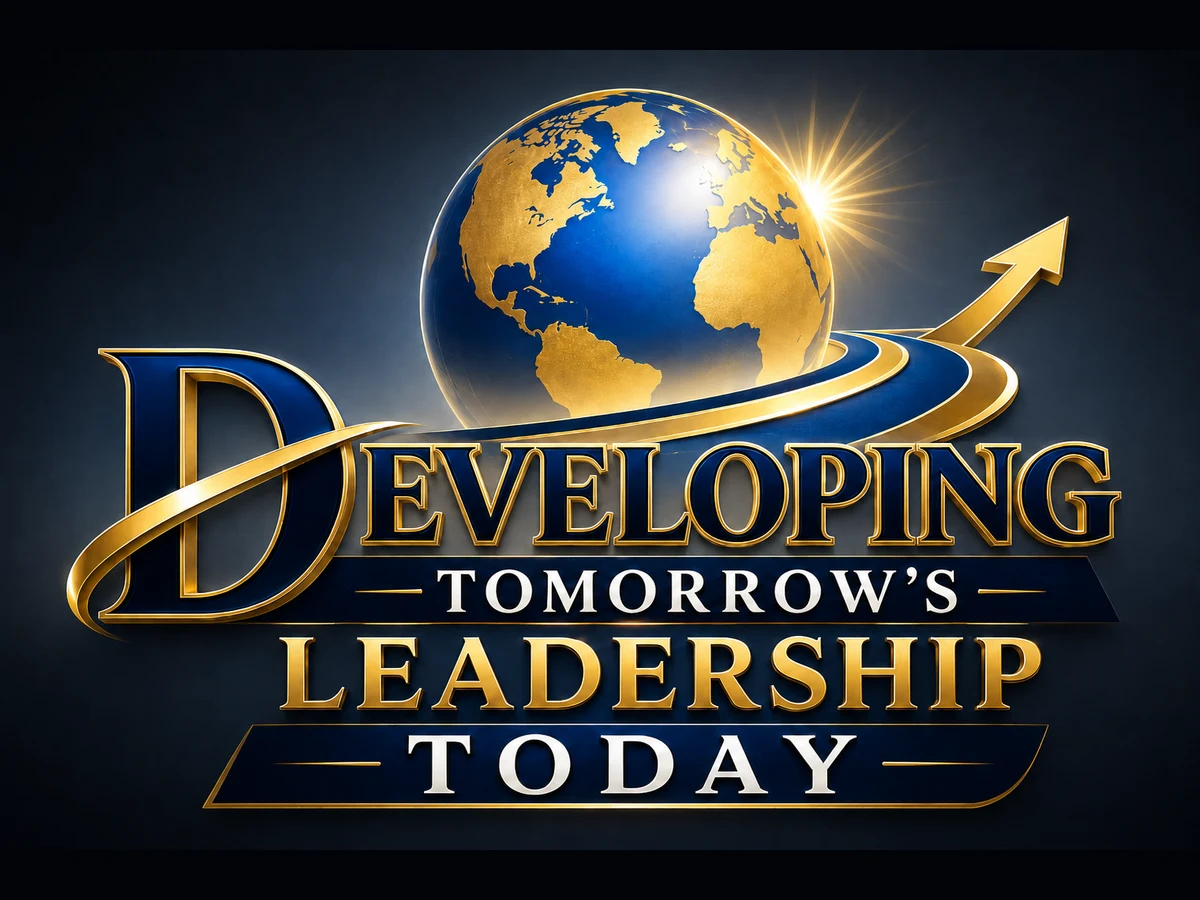
Developing Tomorrow’s Leadership Today logo after: clean vectorDeveloping Tomorrow’s Leadership Today logo before: ai render to clean vector
BeforeAfter
AI render to clean vectorDeveloping Tomorrow’s Leadership Today
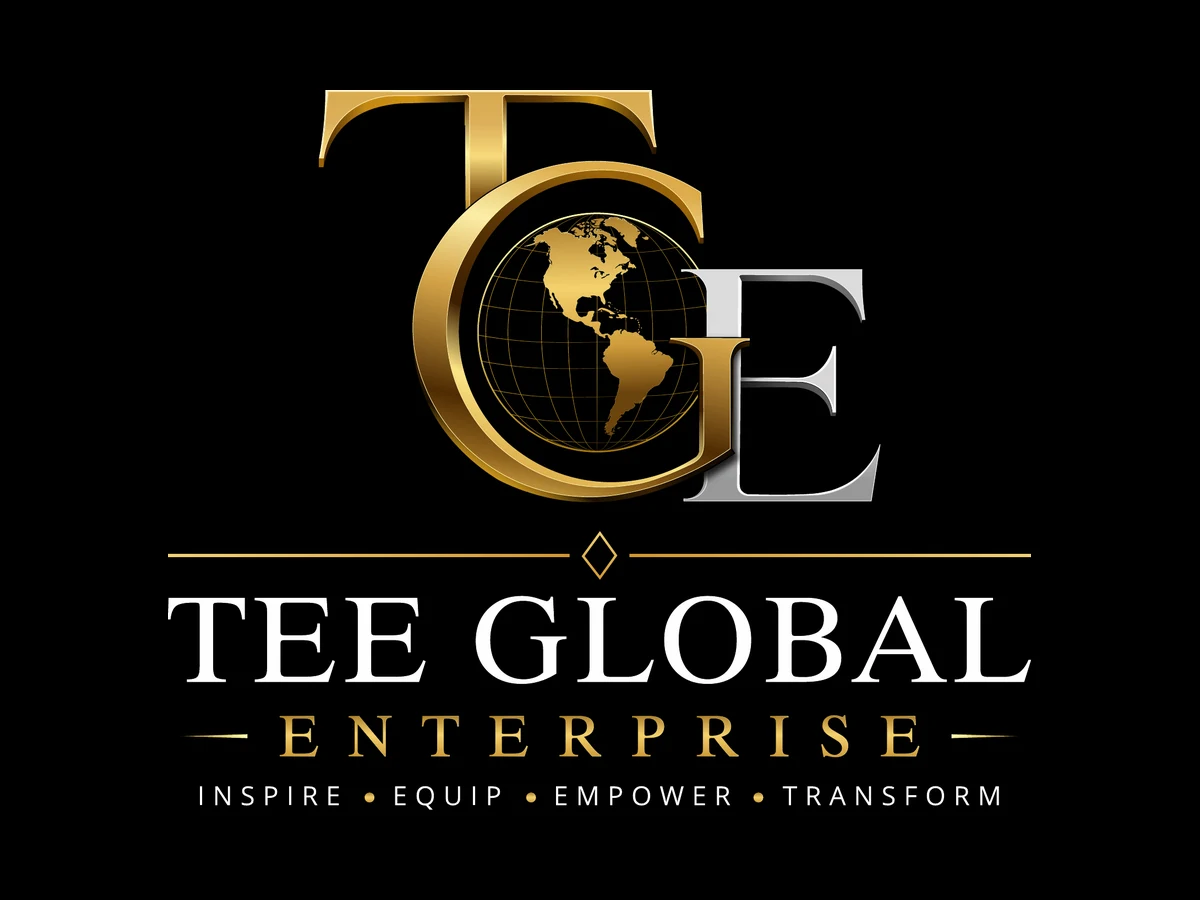
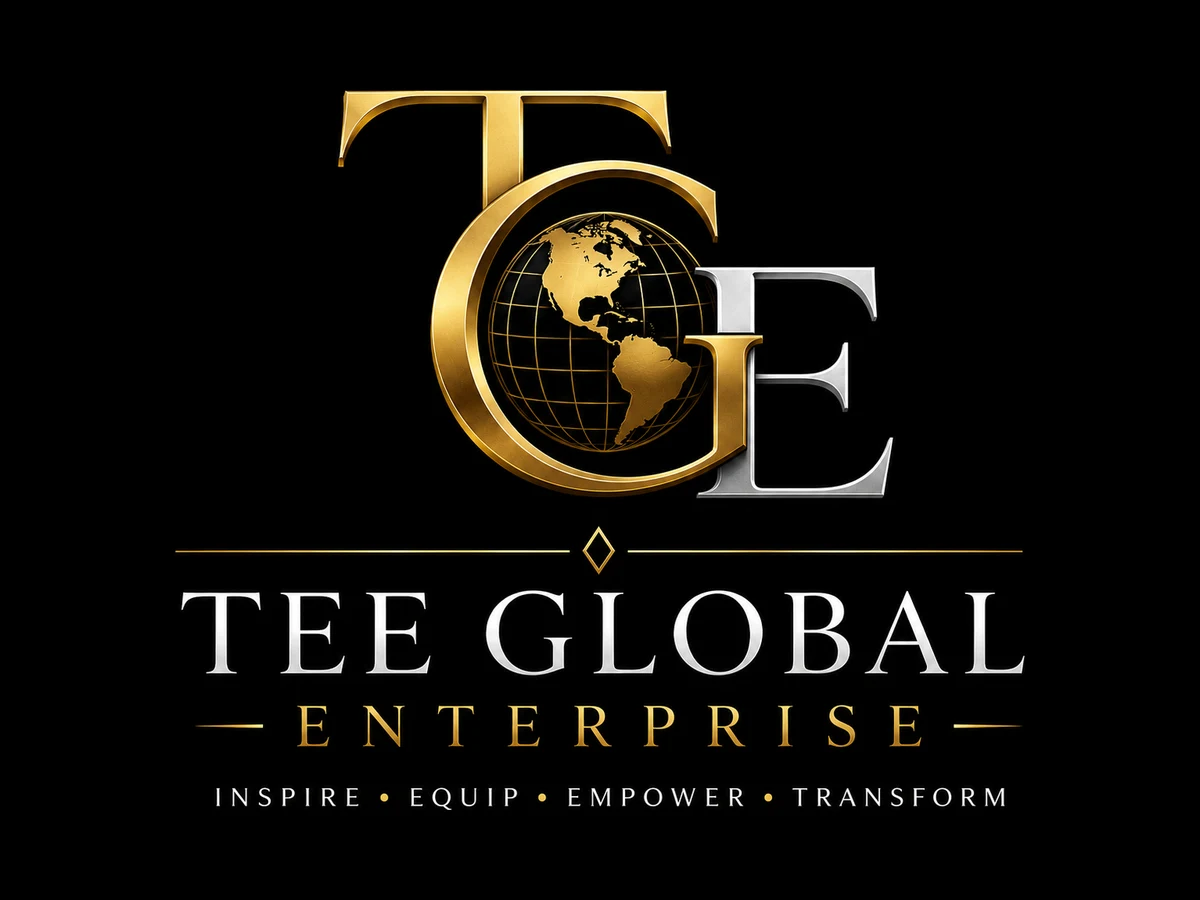
Tee Global Enterprise logo after: clean vectorTee Global Enterprise logo before: ai render to clean vector
BeforeAfter
AI render to clean vectorTee Global Enterprise
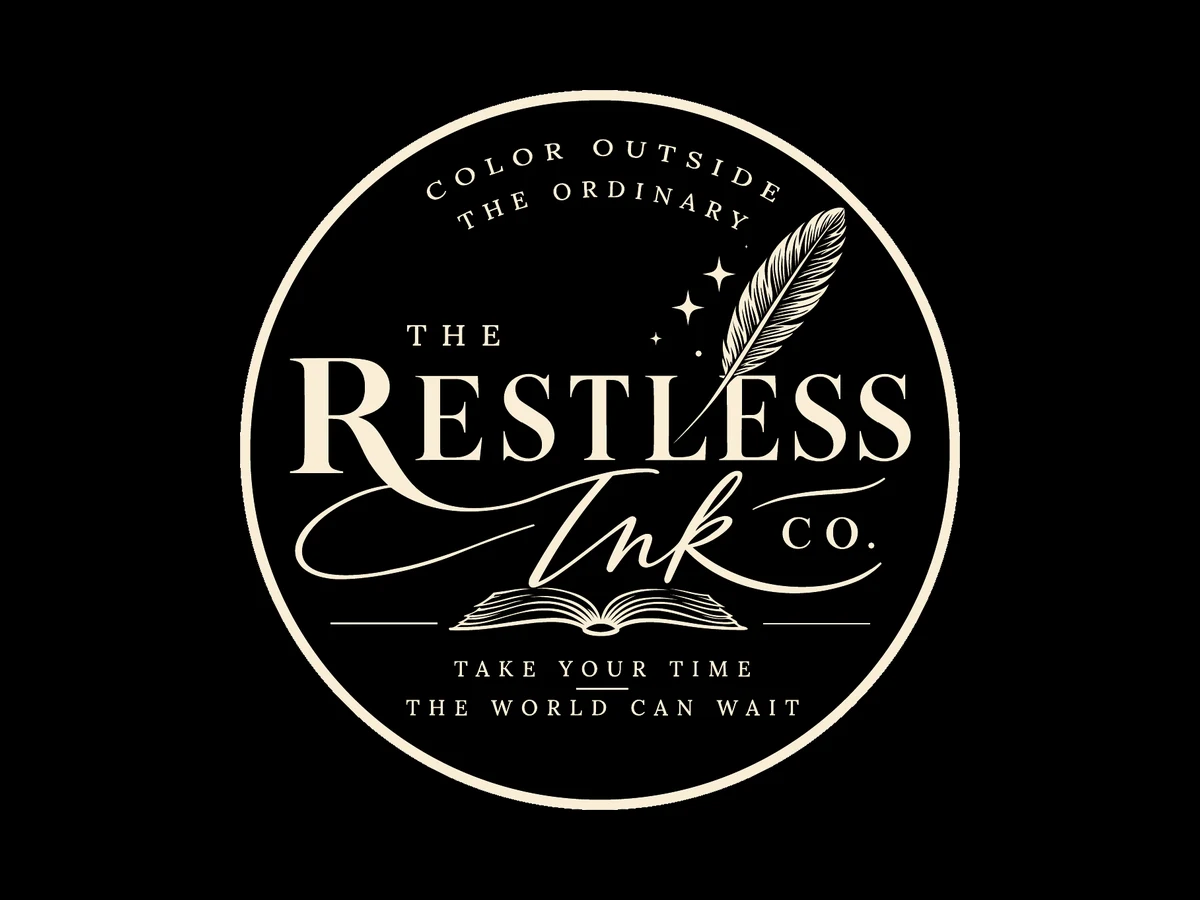
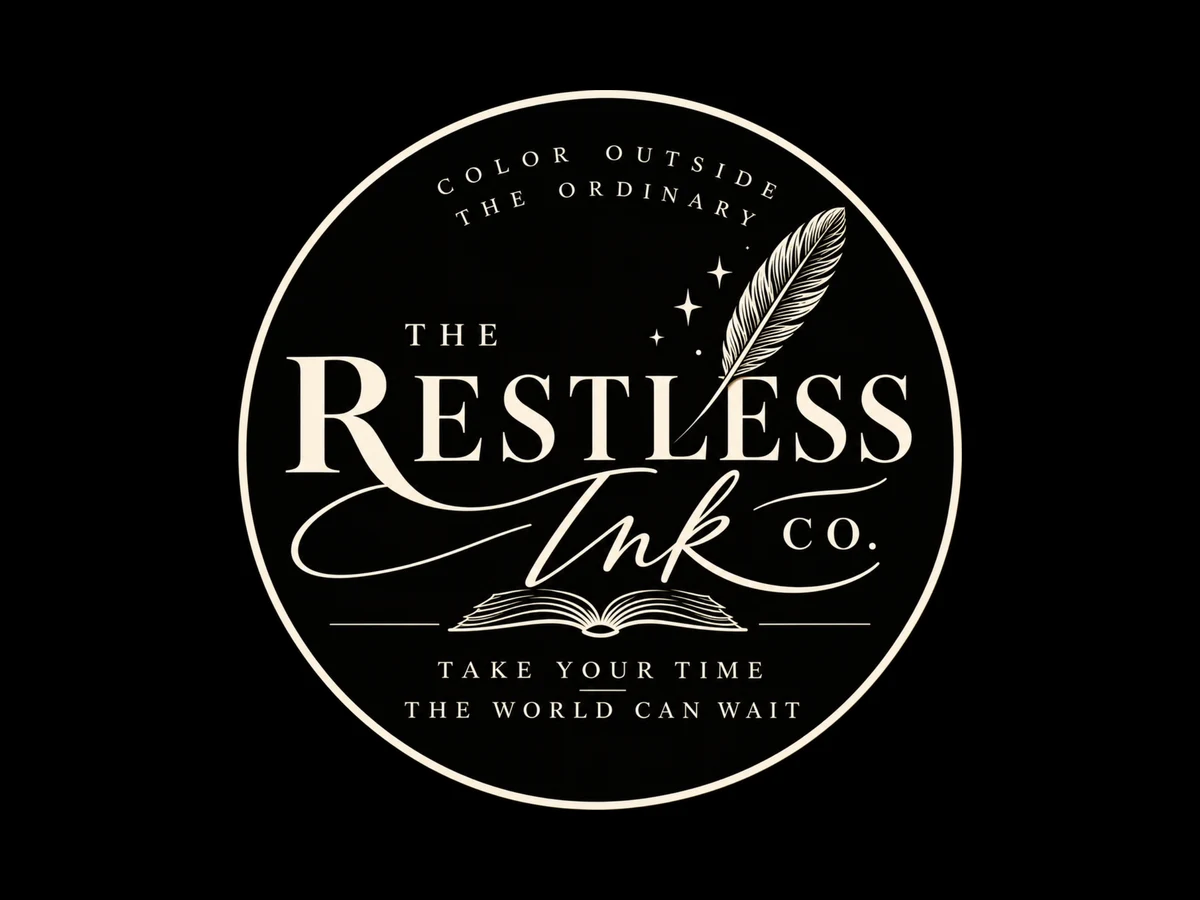
The Restless Ink Co. logo after: clean vectorThe Restless Ink Co. logo before: soft ai image to clean vector
BeforeAfter
Soft AI image to clean vectorThe Restless Ink Co.
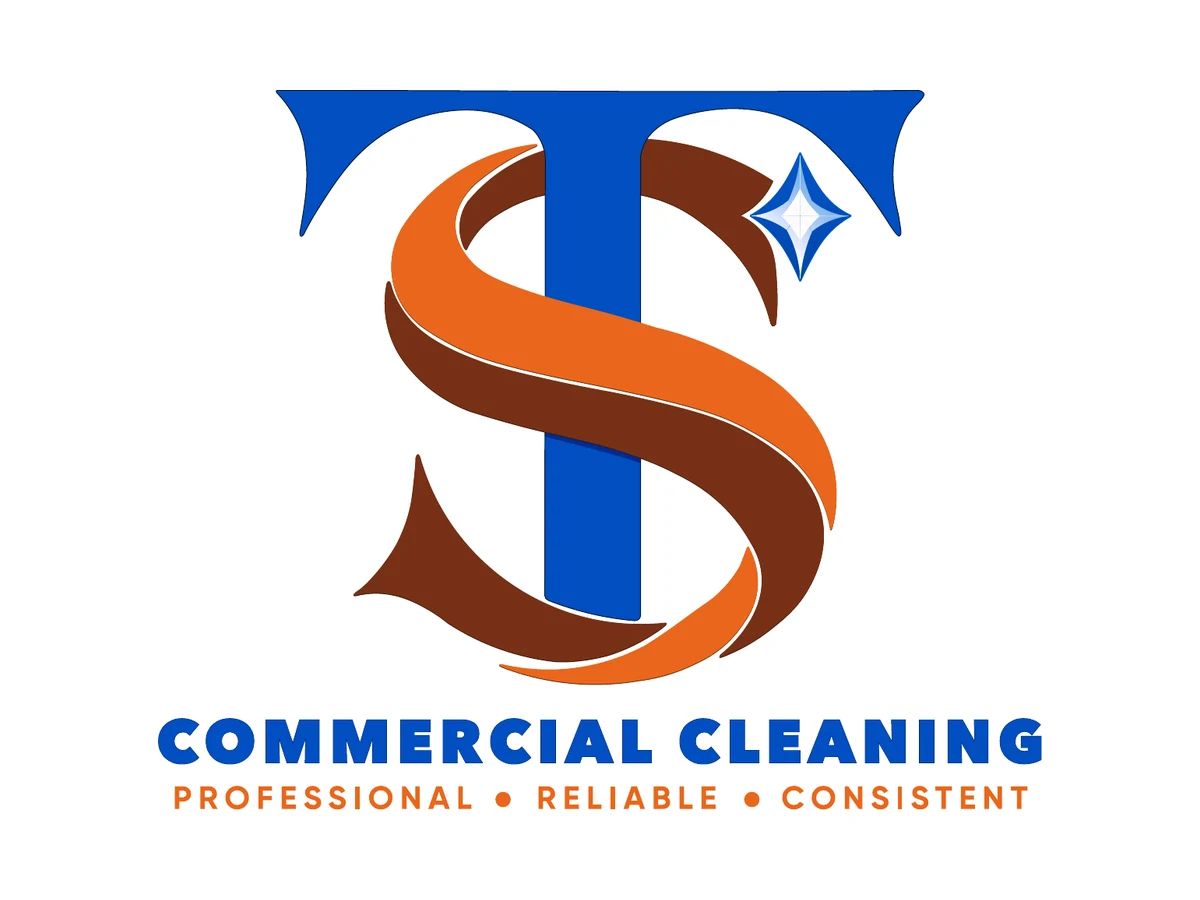
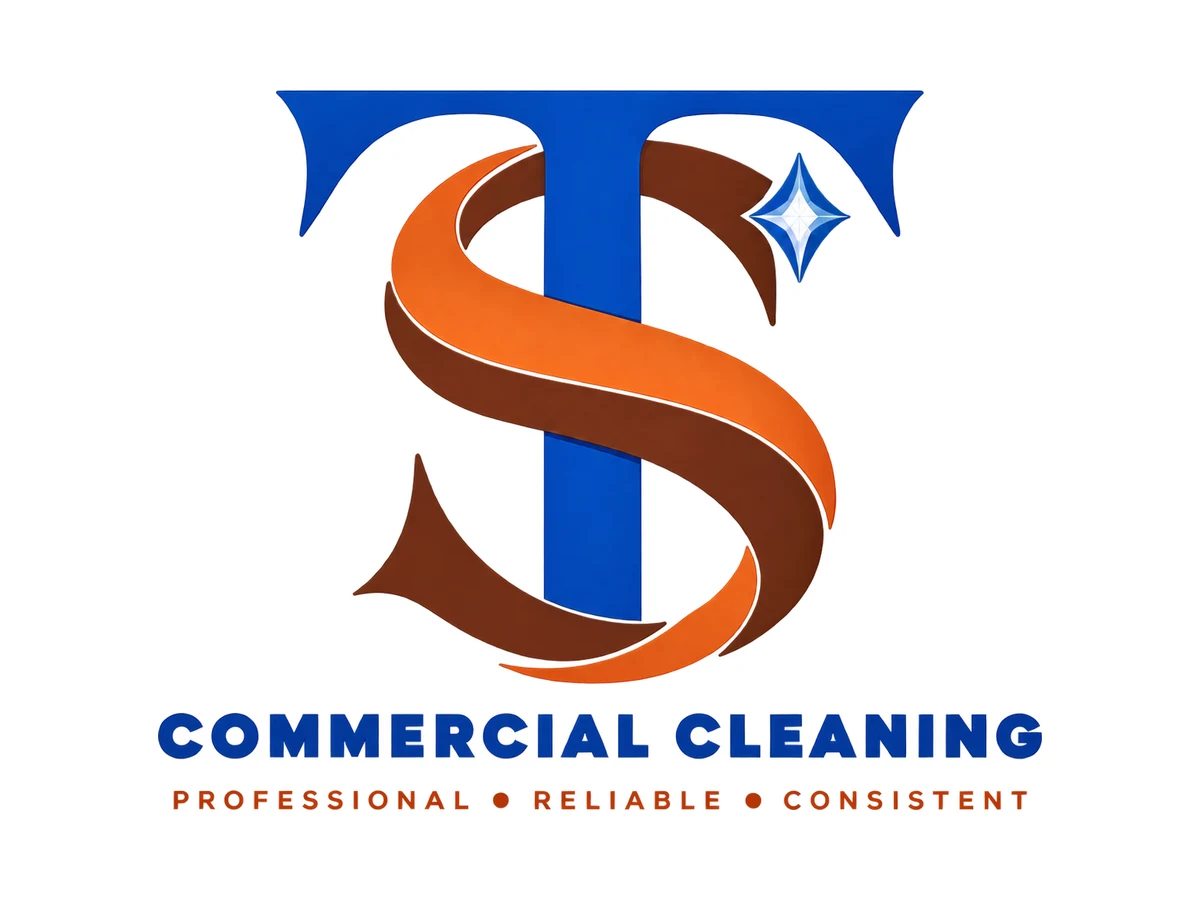
T&S Commercial Cleaning logo after: clean vectorT&S Commercial Cleaning logo before: blurry png to clean vector
BeforeAfter
Blurry PNG to clean vectorT&S Commercial Cleaning
Every project ships withAIEPSSVGPDFPNGWhich one do you need? →

More vectorization projects

Logos rebuilt as clean vector, ready for print and embroidery

Process

From a soft file to clean paths

Here is one real project, Tee Global Enterprise, in three steps.

Tee Global logo before: soft AI render
Step 1Start with your fileSoft edges, blur and noise. Fine on a screen, a problem in print.
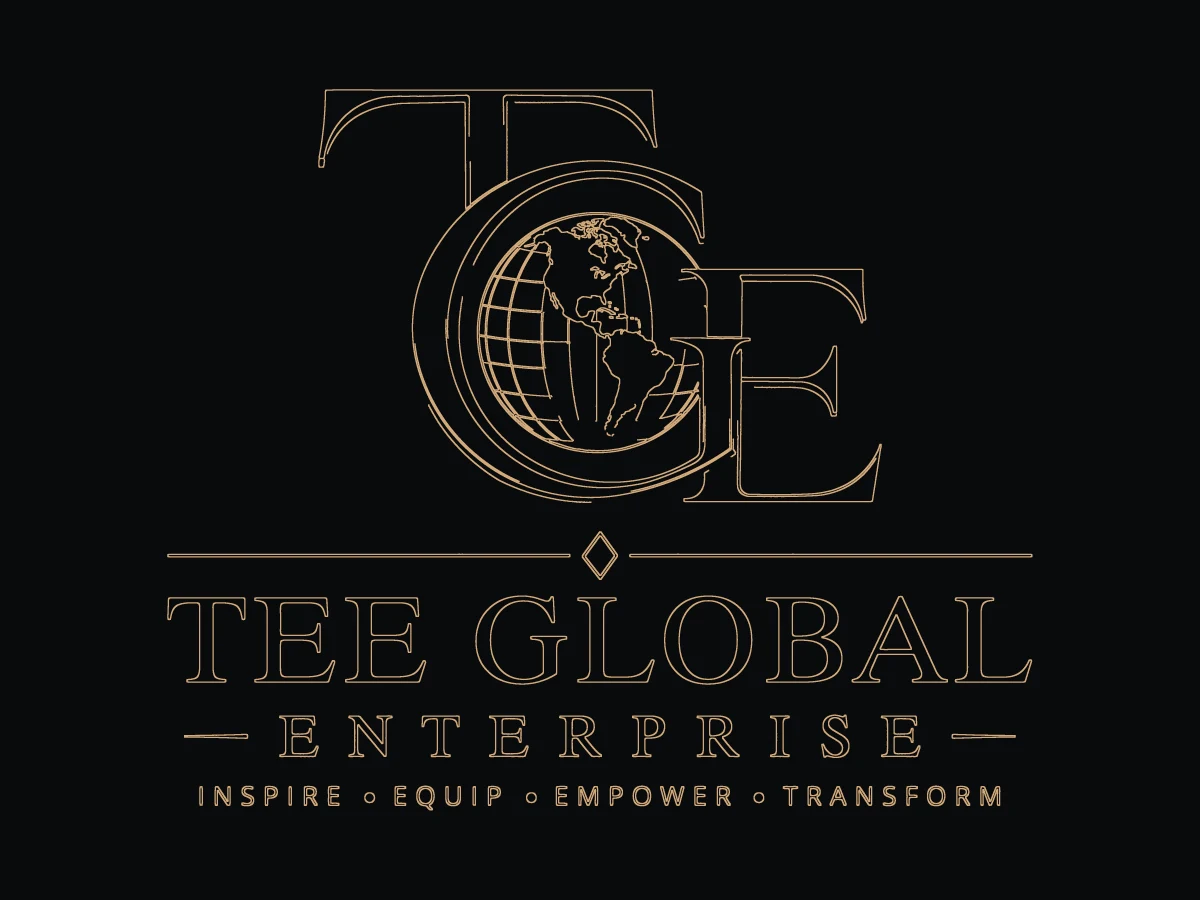
Tee Global logo outline of the redrawn paths
Step 2Redraw every shapeI rebuild each curve and letter as clean paths. This is the outline view.
Tee Global logo after: clean vector
Step 3Final vectorSharp at any size, with the same look. Ready for print, signs and embroidery.
Quick guide

Which file do I need?

Pick where the logo will be used. You will see the file to ask for.

Free logo check

Not sure if your logo is print-ready?

Send me your logo. I will look at it and tell you what to fix before it goes to a printer, a sign maker or an embroidery shop.

  • 1Is it sharp when enlarged?
  • 2Are the shapes real vector paths?
  • 3Are the colours and background print-safe?
  • 4Which file formats are missing?

Production artwork

Artwork that manufacturers accept first time

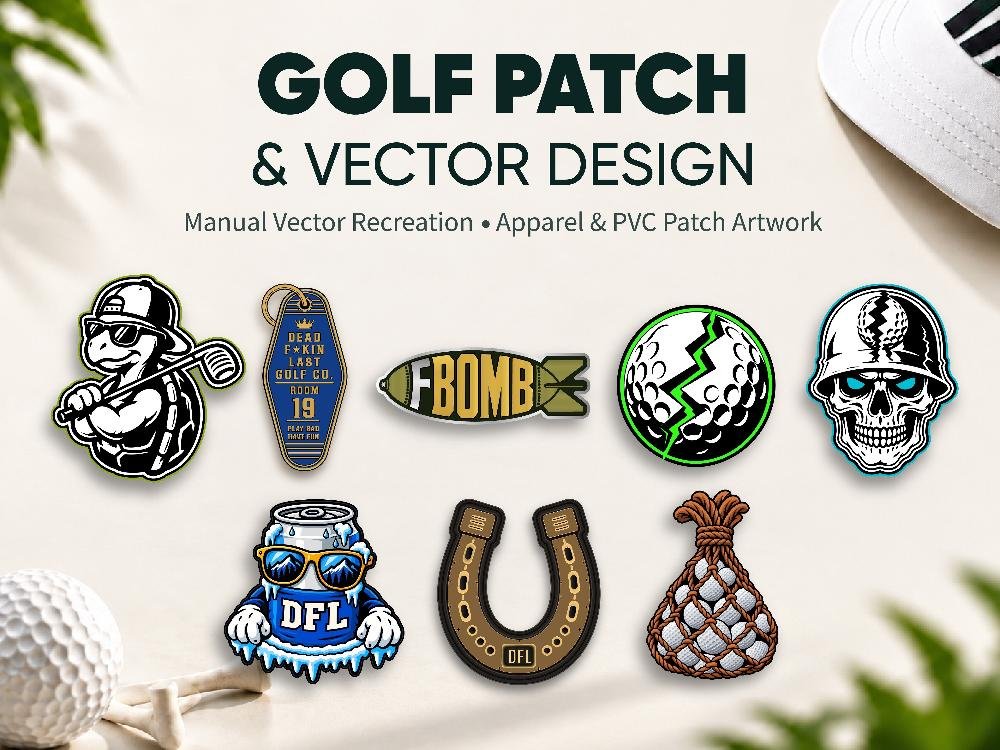
Patches, embroidery and packaging need more than a clean outline. I simplify detail for the production method and deliver separate files for each use.

  • Eight golf apparel designs recreated for PVC and embroidered patches
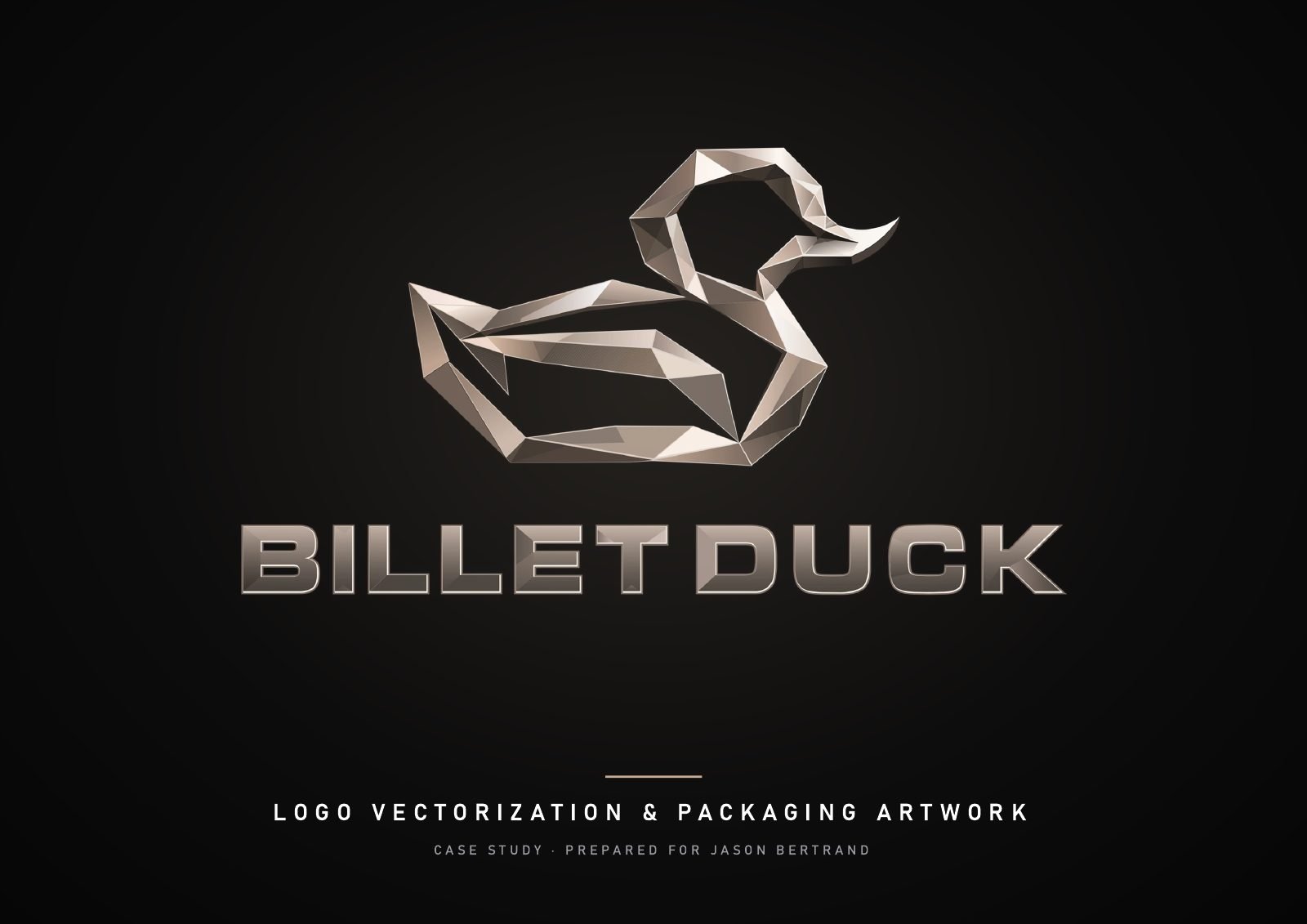
  • Metallic logo vectorization and luxury box packaging art for Billet Duck
  • Colour-separated files for screen print, vinyl cutting and signage

How it works

How my vector conversion service works, in four steps

01

Send your file

Even a screenshot or photo works. Tell me where it will be used.

02

Get a fixed quote

An honest price and delivery time for the detail involved.

03

Approve the proof

See the redraw before final files. Changes are free.

04

Receive every format

AI, EPS, SVG, print PDF, PNG and JPG, clearly named.

My promise

Love the result, or I keep working until you do.

  • Free revisions until it is right
  • A fixed price and timeline before any work starts
  • You approve a proof before final files are delivered

FAQ

Logo vectorization questions

What files will I receive?

AI, EPS, SVG, a print-ready PDF (CMYK, bleed, outlined fonts), a transparent PNG and a JPG. Other formats, such as DXF for cutting machines, are available on request.

Do you use auto-trace?

No. Every curve and anchor point is placed by hand in Adobe Illustrator. That is why the files stay clean when a printer, embroiderer or sign maker opens them.

How fast is delivery?

Most single logos are delivered within 24 to 48 hours. Detailed illustrations or several logos take longer, and I confirm the timeline before we start.

My logo was made with AI. Can it be printed?

Usually yes, once it is redrawn. AI images are pixels, not vectors. I rebuild them as clean shapes so they print, cut and embroider properly, and I can tidy small flaws the AI left behind.

Can you match my exact colours and fonts?

Yes. I identify the font where possible or redraw the lettering by hand, and supply colour codes in CMYK, RGB, HEX and Pantone where needed.

How much does it cost?

It depends on the level of detail. Send the file and I’ll give you a fixed price before any work starts, with no hidden extras.

What if I’m not happy with the result?

Revisions are free until it is right. If the first version misses the brief, I fix it at no cost.

Start a project

Send me your file or your idea.

I’ll reply with a fixed price and timeline before any work starts.